

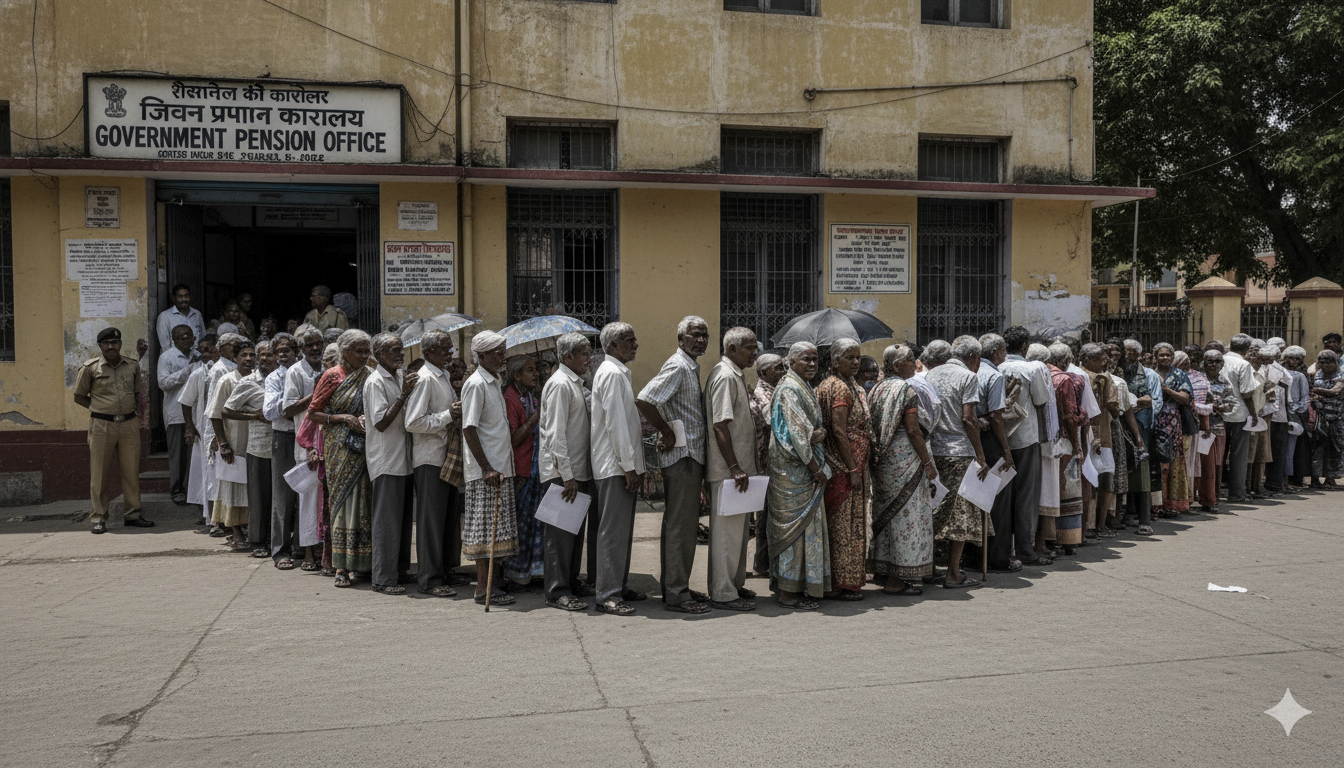
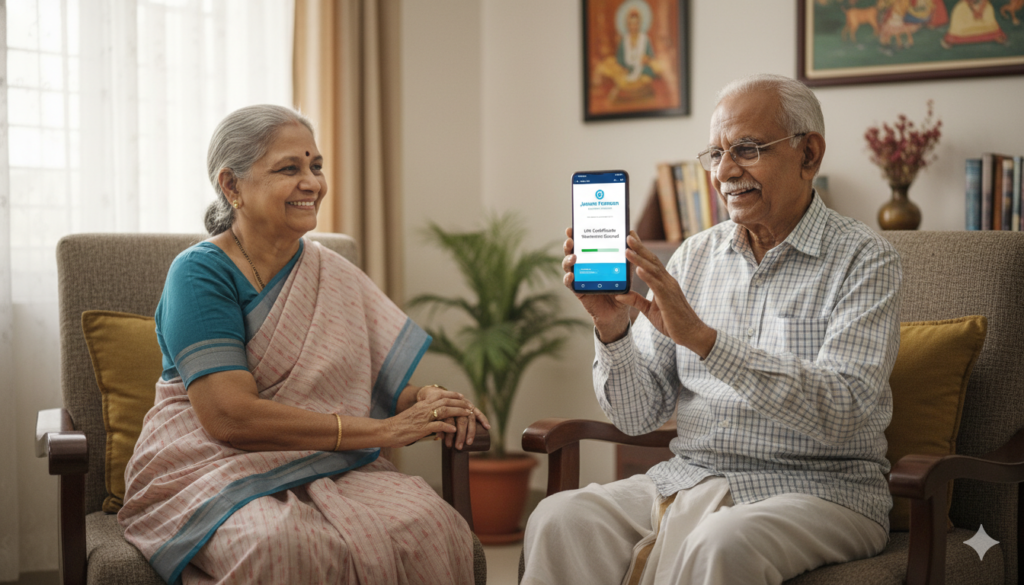
Getting your pension shouldn’t feel like a difficult chore. For many years, senior citizens had to stand in long lines at banks or government offices just to prove they were alive. This process, known as submitting a life certificate, was often tiring and stressful. Thankfully, the government introduced the Jeevan Pramaan App. This clever tool allows you to submit your life certificate right from your living room using just a smartphone.
In this guide, I will show you exactly how to use the jeevan pramaan app to make your life simpler. Whether you are tech-savvy or just starting to learn how to use apps, this article is for you. We will talk about how to download it, how to register, and how the new face scanning technology works. My goal is to help you or your loved ones stay safe at home while ensuring your pension arrives on time without any hiccups.
Quick Facts: Jeevan Pramaan App Overview
| Feature | Details |
| Official Name | Jeevan Pramaan (Digital Life Certificate) |
| Primary Purpose | Proof of life for uninterrupted pension |
| Platform Availability | Android (9.0+), iOS (14.0+), and Windows PC |
| Key Technology | Aadhaar-based Biometric or Face Authentication |
| Official Website | jeevanpramaan.gov.in |
| Cost | Completely Free to use |
What Exactly is the Jeevan Pramaan App?
The jeevan pramaan app is a digital service created by the Government of India. Its main job is to help pensioners generate a Digital Life Certificate (DLC). Instead of going to a bank or a Post Office, you use your Aadhaar number and biometrics (like your fingerprint or your face) to prove your identity. This is a huge win for elderly people who find it hard to travel.
When you use the jeevan pramaan app, the certificate is sent directly to your Pension Disbursing Agency (PDA). This means you don’t have to carry any papers or wait for a clerk to sign your form. It is fast, secure, and very reliable. In 2026, the app has become even better with faster loading times and a much simpler interface that even a child could understand.
Why Every Pensioner Needs the Jeevan Pramaan App
Using the jeevan pramaan app is not just about technology; it’s about comfort. Imagine not having to wake up early to beat the crowd at the bank. With this app, you can complete your life certificate process at any time of the day. This is especially helpful during bad weather or if you are not feeling well enough to go outside.
Another great reason is the speed of the process. Physical forms can get lost or take days to be updated in the system. With the jeevan pramaan app, the update is almost instant. You get a text message (SMS) as soon as it is done. This gives you peace of mind knowing that your next pension payment is secure. It is a modern solution for a modern India.
System Requirements for Your Smartphone
Before you start, you need to make sure your phone is ready. To run the jeevan pramaan app smoothly, you need an Android phone with version 9.0 or higher. If you use an iPhone, you need iOS 14.0 or later. Your phone should have at least 4GB of RAM and about 500MB of free space. A good camera is also important for the face scanning part.
You also need a stable internet connection. Since the app talks to government servers to verify your Aadhaar, a weak signal might cause errors. Most importantly, you must have your Aadhaar number linked to your current mobile number. This is how you will receive the One-Time Password (OTP) to log in. Once you have these ready, the jeevan pramaan app will work like a charm.
How to Download the Jeevan Pramaan App Correctly
To get started, visit the official website or your phone’s App Store. Searching for the jeevan pramaan app on the Google Play Store is the easiest way. Look for the app developed by the National Informatics Centre (NIC). Be careful not to download fake apps that might look similar but are not official.
Once you find the official jeevan pramaan app, click “Install.” If you are using an Android phone for face scanning, you will also need to download a second small app called “AadhaarFaceRD.” This is a helper app that makes the face recognition work safely. Don’t worry, you don’t need to open the AadhaarFaceRD app; it just sits in the background and helps the main app do its job.
Step-by-Step: Initial Registration and OTP
When you open the jeevan pramaan app for the first time, you need to register. This is a one-time process. You will see a screen asking for your Aadhaar number, your mobile number, and your email address. Enter these carefully. Double-check the numbers to make sure there are no mistakes.
After you click “Submit,” you will receive an OTP on your mobile phone. Type this code into the jeevan pramaan app. This proves that you are the real owner of that phone number. Once the OTP is verified, you will be asked to provide your name exactly as it appears on your Aadhaar card. This registration sets up your digital profile so the app knows who you are.
Understanding the Face Authentication Feature
The newest and coolest part of the jeevan pramaan app is Face Authentication. In the past, you needed a separate fingerprint scanner device to use the app at home. Now, you can just use your phone’s front camera. This feature is a lifesaver because most people don’t have a fingerprint machine at home.
When you select the face scan option in the jeevan pramaan app, the camera will turn on. You need to be in a well-lit room. Don’t stand with a bright light directly behind you, as it makes your face look dark. The app will guide you—it might ask you to blink your eyes or look straight into the lens. This is to make sure it is a real person and not just a photograph.
Filling in Your Pension Details
After the app knows who you are, you need to tell it about your pension. The jeevan pramaan app will ask for your PPO (Pension Payment Order) number. This is a unique number given to every pensioner. You will also need to select your “Pension Disbursing Agency,” which is usually your bank or the post office where you get your money.
It is very important to enter these details correctly. If you have more than one pension (for example, a regular pension and a family pension), the jeevan pramaan app allows you to submit certificates for both. Just make sure you have the right PPO numbers ready. Taking a moment to verify these numbers will prevent any delays in your payments.
Generating Your Digital Life Certificate (DLC)
This is the final big step! Once all your details are filled in, the jeevan pramaan app will show you a summary. Read it one last time to make sure everything is perfect. If it looks good, click on the button to generate your certificate. The app will then perform the final biometric check (face or fingerprint).
Once the scan is successful, the jeevan pramaan app will show a “Pramaan ID” on your screen. This ID is your proof that the certificate has been submitted. I always recommend taking a screenshot of this screen just in case. You don’t need to print it out or take it to the bank; the system handles the delivery for you automatically.
How to Check Your DLC Status
Even though the jeevan pramaan app is very reliable, it’s always good to check if everything went through. You can visit the official Jeevan Pramaan website and log in using your Pramaan ID. This will show you the status of your certificate and whether your bank has accepted it.
Usually, you will also receive an SMS on your registered mobile number. This message will tell you that your life certificate is successfully processed. If you don’t see a success message within a day or two, you can try the process again using the jeevan pramaan app. The app is designed to be user-friendly, so don’t be afraid to try again if there is a glitch.
Tips for a Successful Scan Every Time
Sometimes the jeevan pramaan app might struggle to scan your face. Don’t worry! Here are some simple tips. First, make sure your camera lens is clean. A tiny smudge can make the picture blurry. Second, try to sit against a plain wall so there are no distractions behind you.
Also, remember to remove your glasses if they have a strong reflection. Keep your head steady and try to keep a neutral expression. If the jeevan pramaan app tells you “No face detected,” just adjust your distance from the phone. It usually works best when the phone is about 1 to 2 feet away from your face. With these little tricks, you’ll be a pro in no time!
Frequently Asked Questions (FAQs)
Q1: Is the Jeevan Pramaan app safe to use?
Yes, it is very safe. The jeevan pramaan app is built by the government and uses encrypted Aadhaar data. Your personal information is protected and only used to verify your identity for your pension.
Q2: Do I have to pay any fees for this service?
No, the jeevan pramaan app is completely free. You should never pay anyone to use this app for you. If you go to a Common Service Center (CSC), they might charge a very small fee for their time, but the app itself costs nothing.
Q3: Can I use the app if I don’t have a smartphone?
The jeevan pramaan app requires a smartphone or a PC with a camera. If you don’t have one, you can ask a family member to help you or visit a nearby Post Office or bank that offers this digital service.
Q4: What is a Pramaan ID?
The Pramaan ID is a unique 10-digit number generated by the jeevan pramaan app after you successfully submit your life certificate. It serves as your receipt and can be used to track your status online.
Q5: My face scan is failing repeatedly. What should I do?
Ensure you have the “AadhaarFaceRD” app installed. Try moving to a room with better sunlight. If it still fails, check if your Aadhaar photo is very old; you might need to update your Aadhaar photo at an enrollment center.
Q6: Does the app work for family pensioners too?
Yes! The jeevan pramaan app works for all types of government pensioners, including service, family, and even EPS-95 pensioners. Just select the correct category when filling in your details.
Conclusion: Embrace the Digital Future
The jeevan pramaan app is a wonderful gift for our elders. It brings the power of government services directly into your hands. No more long walks, no more waiting in the heat, and no more paperwork stress. By using this app, you are taking control of your time and your comfort.
If you haven’t tried it yet, I encourage you to download the jeevan pramaan app today. Help your friends and neighbors learn how to use it too. It’s a small step that makes a huge difference in the lives of our respected seniors. Let’s make 2026 the year we say goodbye to the old lines and hello to the new digital ease!
